Category «Videos»

#04 – TRI – Play-testing and a dogma

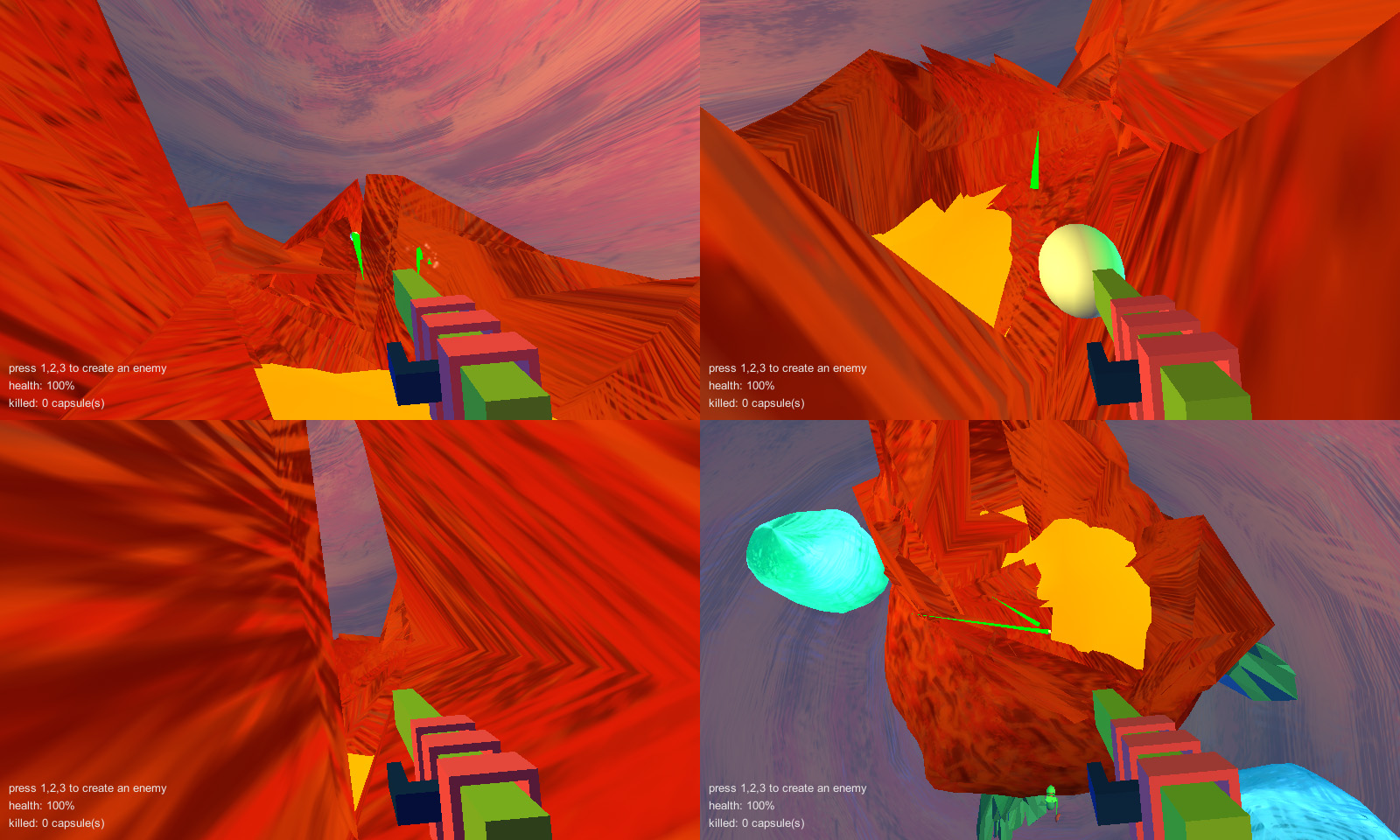
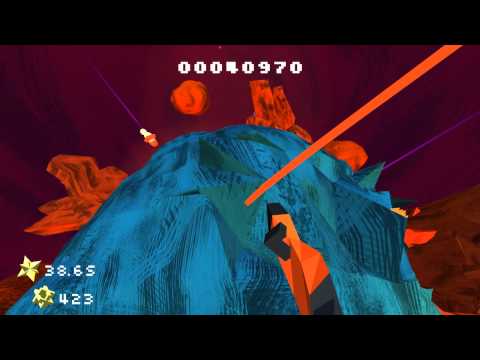
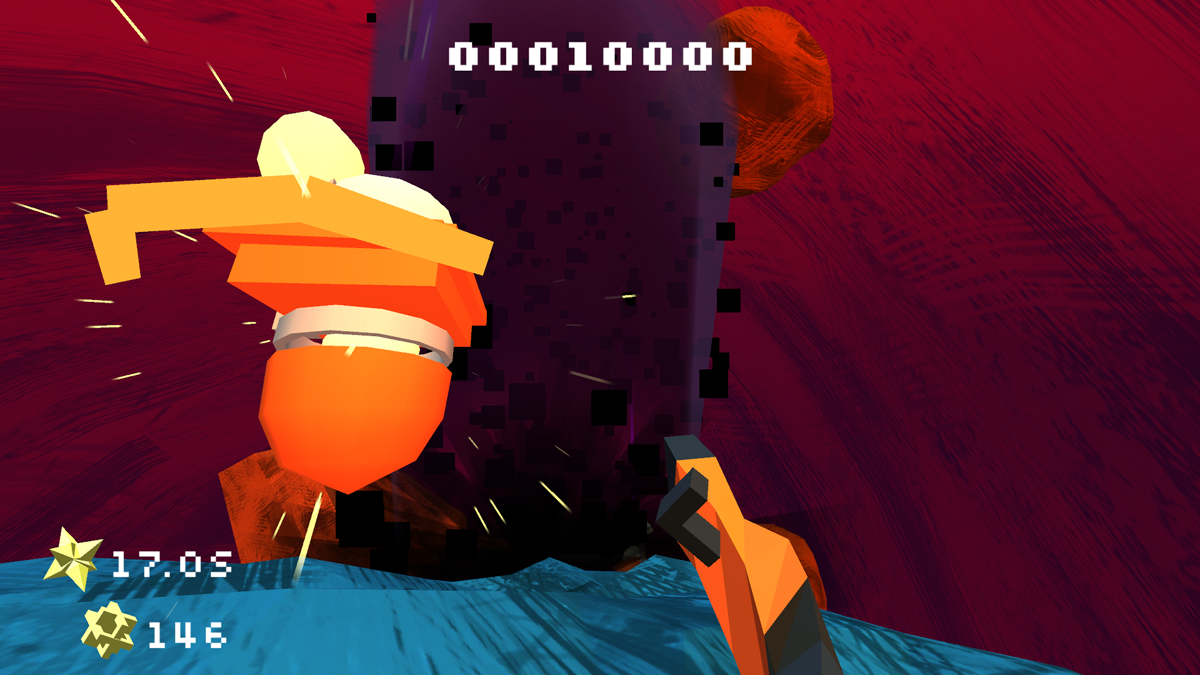
Just 1.5 weeks and the TRI pre-alpha plus demo will be out! This means testing, testing, testing. This article is about what makes TRI so special and which problems it breeds, too.


Typical pre-alpha problems

We decided to make TRI as early available as possible. Not only to fund our development, but also to get feedback for game design decisions we made. To provide a smooth pre-alpha experience in this early state of development, we tested as much as possible.

Here are some thoughts I had on game design elements and a certain dogma we developed over the time.

1. "What is the goal of this game?"

The biggest problem we faced in our pre-alpha was motivation and a clear main goal, which is mostly the same thing. The main goal is some kind of McGuffin which triggers the player, like “Rescue the princess!”. It is not really necessary, but with it you can build a chain of suspense – as soon as the player reaches one spot, lead him to the next one ("Your princess is in another castle!", haha). This could be the motivation.
But more important for me is the flow that happens when you fully become one with the gameplay. Which was enough for us playing around, as we knew what the game is about. We had a story in mind, but totally focused on gameplay. Because of that at some point the testers wondered what the game is about and what they're doing.
Our early testers started without knowing who they are in the game, where they were and what they should do. Amnesia? Shouldn't that be enough to just find out what's going on and explore? … no!
Although the starting area is linear and very streamlined, people need a certain motivation – where they are heading to and why. Some kind of progress bar with story.

Although gameplay alone should be enjoyable, you might give the players some starting mission/quest/task to let them know where they are heading to. This keeps up motivation and helps finding a way through dead ends (and even recognizing those dead ends).

Character reading scroll

2. Feedback and rewards

Implementing sounds is very often the most neglected thing about games. Just adding walk-sounds give the player the impression she really is 'in' the game, first of all in a game where you can't see the character you are playing.
But there are also feedback sounds that are really needed because of our puzzles. Switches, doors, laser beams and little ghosts (Kami) appear repeatedly. Without sounds people often don't recognize that there is something happening at all. Or that a certain element changes its status (from open to closed, activated to deactivated).
Even if the sounds you have at the beginning seem shitty, you should implement them to help your players.

Another feedback is light or markers. In our game we have special switches to open doors: you have to assemble crystal holders with a crystal to guide light rays through them. Which means they have three different phases of activation: 1. The crystal is just lying around (no light). 2 The crystal gets a bit illuminated after combining it with the holder. 3. After sending a ray through it, a sparkling particle effect appears.
In the early tests players put the crystals into the holders, expecting that this was enough. But we want more from them - activation through the light rays!
Those mechanics enable some fun puzzles, but also needed proper feedback in the game to tell the player that there still is something to do: there is an empty pedestal – find a crystal and put it on the pedestal – AND activate the crystal via a light beam by deflecting it – only then a door opens or so.

Give objects as much feedback effects as possible. Sounds don't just add atmosphere, they are often necessary to communicate progress. Of course, without stupid flying cameras showing the goal or pop ups informing you about your next target.


3. Design of game objects

As you might have read, our game is mainly inspired by games like Portal (puzzles, first-person mechanics), Thief (level design) and Zelda (puzzles). Although TRI uses typical game elements like levers, doors, switches – things to activate and deactivate, we have the entitlement to integrate these game elements as naturally as possible. Which means that they shouldn't blink spastically or permanently rotate around themselves, but players still should immediately recognize which elements are those to interact with.
This was and still is a great task for us. Portal, for example, used huge switches on the floor plus stripes that lead to the doors they activate. Those game helpers are extremely clever, but also very clumsy. (You can get away with it, though, when you call your levels “test chambers”.)
It is always a challenge for game designers to combine a reality the game tries to create with game objects that convey rules.
Modern games disappoint me, primarily the photo-realistic ones, which try to re-build reality with floating weapons waiting for you to grab them and huge arrows darting in the direction you have to take. Less seems to be never enough, sadly, but it is our duty to find out what is enough for players, before using clumsy out-of-the-world game objects like giant arrows.

crystal holder
4. Non-linear versus linear

Something that most of our games have in common is a certain non-linearity. This means that our level design or decisions a gamer is able to make will always be as free as possible. We hate invisible colliders, tube-like levels and decisions that unnecessarily limit your creativity. This sounds cool, but is also very ambitious and hard to convert into gameplay. Particularly when gamers these day start loving their tubes.
With TRI we try to master the balance act of free choice and leading level design. How accessible do we want the game to be? How many elements should get activated automatically?
We decided that creating your own platforms wherever and whenever you want should be enough non-linearity, at least at the beginning of the game. Because it is important to understand the game and its basic elements without too much distractions, the layout of the first few levels is still fairly linear.

The look of game objects and the decision whether a game is linear or not, is determined by your choice of target audience. Casual players with not too much time and experience – or people that love to dig deeper to explore a game? I would love to see the players start the game and explore on their own, find out what is possible and search around. But players today are spoiled; most games are extremely streamlined and guide you through some interactive scenes without the need to think. With TRI we hope to be able go into the opposite direction.

TRI Demo level

Any other difficulties?

Making a 3D game that uses physics leads to problems which you might consider before deciding whether to use a physics engine in your game or not: Often, physics are great. It always means lots of fun and more interaction possibilities. People love dragging crates and barrels around. It's a sandbox game of its own.
But physics always need more time and effort to implement: every physicalized object demands special adjustments, like mass and drag, or the rock over there doesn't feel heavy enough to be really a rock. Yet there might be collision and performance issues. In our case, the combination of physics with the triangle creating feature (the 'TRIs') multiplied these problems.
Static objects are always easier to handle. You should ask yourself if sophisticated physics are really necessary for your game. Integrating a physics engine not only as a mere decoration, but as an important part of your gameplay leads to an even higher error rate. Especially when objects start to fall through floors instead of neatly landing on them. And you never know in which situation players leaves a room full of physical objects after toying around ...

For us, 3D is the most immersive form to play and build games. The third dimension opens tons of possibilities 2D will never have. (And doesn't want, of course.) But as always it also adds difficulties to the game design.
While 2D games look timeless mostly (but often typical indie 8bit-like), you always see in which era a 3D game was made – often enough, which engine was used. I still love the look of Thief 2, but how many people out there still appreciate low poly and abstract graphics?
The art style, especially for small teams, is harder to create. Even though you are indie, players will always compare your game by AAA standards. Photo-realism is the most common way of designing games, although it's the most boring form of expression, too. Building abstract or fantastic looking worlds is more difficult in 3D than 2D.

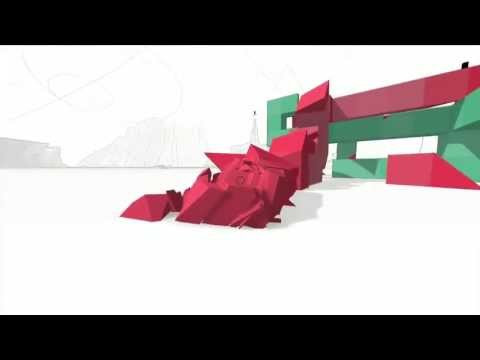
TRI - Early Alpha Footage

(YouTube videos try to set cookies and contact Third Party servers!)

So many things to fix and prepare before you can take a look at it and TRI the game! Meanwhile you can read more about the game now!

#01 - First look on TRI
#02 - Creating the look of TRI
#03 – TRI – Doing the big Reset

Wunderworld post-mortem

 (This post was written for ludumdare.com originally.)

Ludum Dare 23, wow! This time, it was super-awesome, even though I was a little reluctant to even participate. One weekend before, we had made another 48h game ("The Sun Is Deadly" for the IndieBuskers game jam), and I wasn't sure if I would have some energy left to create something equally cool, or at least have fun making another game.

Thankfully, I did!

One of the primary reasons why I not only started cheerfully but also was in a pretty good mood throughout the whole jam was the fact that I made something I really wanted to create. I saw a video of "Delver" some time ago, and although – or because – I don't like how the combat is far-range only, it made me wanting to develop my own Ultima-inspired game. I played "Ultima Underworld I – Stygian Abyss" pretty late, but I bought the second part, "Labyrinth of Worlds", when it came out in Germany (with no understanding of English texts whatsoever), and it is still one of my favourite games.

As I didn't want to just rip off the Delver guy, I mixed my Ludum Dare entry with another passion of mine: game development, what a surprise! I was thinking for some years now about creating an easy-to-use level design tool; it should be very restricted regarding the basic elements, but possible to design some story-heavy games. The idea really started when I searched for a subject for my university diploma project, and I was always fascinated by the thought of it. For Ludum Dare 23, I didn't know if I could do something like this in just two days, but I knew that it could be very minimalistic this way and still cool. Another part of the reason was the theme, "Tiny World", as it made restricted size and small scope a very helpful design target.

So it became "Wunderworld", which is a mix of "Wunder" ("wonder" in German) and "Underworld". I even wanted to name it "Wultima's Wunderworld" at first, but I didn't find a good enough way to implement a protagonist named Wultima.

Perhaps the question arises, is Wunderworld even a game? I don't know! But I have to commemorate a quote from the book "Game Architecture and Design" by Rollings&Morris, which is:"Rule Number One isn't 'Make sure it's a game.' It's 'Make sure it's fun!'" Thus I didn't care much if my entry would fit perfectly into this (or any other) category. And really, Wunderworld is all about goals, and conflicts, and combat, and exploration – it's just that the player has to define these elements him-/herself. In a sense, it's more like a set of random Lego building blocks.

The fun part for me was the expandability of the concept. All it needs to function are only three things really: walls, fights, and a test mode. The walls were the easiest thing to do, although I had my own little problems with Unity's MeshCombine script. The test mode (became the "Play Mode" later) with a fully functional player character controller did cost me some hours, but it was worth the time (especially because the game was playable then, and never stopped being playable and fun afterwards). Last but not least came the fighting – after modelling some enemies, which make use of nearly the same character controller, adding some really basic AI was a nice finger exercise.

When I was done implementing these three things, the game was basically finished and I could just refine and add stuff, like a goal, horizontal windows, health potions or gates which open after the death of all enemies. Right after the compo, I added stairs and lava, which was a matter of minutes, not hours.

Another reason why I was so relaxed during the compo was that I didn't have to do levels. The levels were the cause of minor burnouts during my other Ludum Dare entries in 3D ("Tri" and "Soliloquy"), which were puzzle platformers and thus relied heavily on level design, which I had to do in a 3D modeling program. But this time the players would have to create the levels for themselves, and it would also be very easy and even fun to design them.

(By the way, if Wunderworld would have required me to make a level, I'd have done it right from the beginning this time around, instead of afterwards, hours before the deadline. This is a lesson I learned from the other Ludum Dares.)

The editor of Wunderworld is very basic. In order to keep me sane I resigned doing submenus and subscreens; instead, I've gone the KISS way. I initially planned to let the player adjust the enemies' damage, the potions' health values and so on, but it would be too much for the two days. And without too much options, everything fits nicely on one screen, too. All it consists now is a list of items the player can choose from, and a text area for the file name, and it's still enough to create some nice levels. Of course, there always will be people who will miss several things regarding settings and comfort, but they will have to live with that or just download Unity/UDK/whatever, hehe.

Another benefit of the "Tiny World" theme was my lack of urge to optimize the code. Sure, with a standard level of the size 10x10x10, you have 1000 blocks. But thanks to the MeshCombine script from Unity – I use it on every slice of blocks – the amount of draw calls is pretty low. Altogether the "think small" direction of the theme helped me to be content with a small, working base game, and diversify it from there – instead of trying to make a rich, broad game which would have needed much more work. So, remember to extend and refine certain gameplay elements, and not the whole gameplay in itself – it would be a bottomless pit.

On the other hand, Wunderworld is predestined to offer a very wide range of gameplay elements. It could be expanded in 1000 ways! Without much effort, one could make an FPS, an RPG, an Adventure or even a puzzle with it (or even a combination of those), if I would have the time/motivation to add the right block types. Of course, this would need more work overall, as for example an RPG isn't much without the ability to add NPCs with texts, or stats. But the general foundation is given for something like this, and I think that's exciting.

So, what went wrong, what did I really learn?

I already mentioned the character controller, which I created very quickly at the beginning and was working somehow; yet I was deeply dissatisfied with the way the jumping behaved. It then needed some hours of redoing the whole thing, but in the end it worked more than okay and now I'm comparatively sure how to do nice and predictable character movement for 48h game.

There was also a certain lack of time before the deadline, when I had more than enough stuff on my "would be nice to have" list, and preset levels was one of them. It should have been much higher on this list, because even though I really had a test level, I lost it in the process of deploying. And even if it would have survived, I had no way to fit it into the webplayer version, so it would have been for the standalone only (which only few Ludum Darers download nowadays, according to my experience).

My biggest weak point regarding the compo is music. I managed to make some decent sounds via bfxr, but I still don't know how to create non-generic music via a sophisticated tool. And although I used inudge.net for my older Ludum Dare entries, I want a more fulfillling experience in this regard nowadays. Thus I got FL Studio now and look forward to learn a bit about it, but I don't know when I will have the time. Meh.

There were several other problems, which are more technical tidbits but nonetheless interesting details. For example, while the navigating through the level slices via Q and E is pretty straightforward, people complained about the lack of overview – they have to remember how the slice above the current slice looks, which isn't very userfriendly. I still don't know how to circumvent this problem in an elegant way. Also, the possibility to resize the level would be nice, or the support for an improved AI with far-range combat.

Until recently I also had no idea how to allow sharing levels via the webplayer version, thanks to the security problems. The standalone has a separate folder with simple text files which contain the level data, so you can trade them with others. But the webplayer saves its data in the PlayerPrefs (being the registry under Windows), which means that sharing levels is much more work there. Thanks to the idea of a friend I added level sharing by copy&paste in the post compo version – just press "Export", get a string and post it. Or press "Import" and paste the string from someone else.

On the art side one could argue that 8x8 pixel textures aren't really perfect for a block of 2x2 meters, but somehow it emphasized the "Tiny World" theme once again, I think. What I really would want here is the support for custom textures, which needs some thinking about the internal workings of Wunderworld. Another friend (Björn Grunewald) already tried to create 16x16 versions of some of the textures.

And what's the conclusion?

Until now, this was the most satisfying and fun Ludum Dare for me. I wasn't overly stressed, and never had the feeling of not doing enough or doing too much. Even shortly after the IndieBuskers jam my motivation was really high, and that means that there can't be too much game jams in general!

Also, there were no really negative reactions so far, with the complaint of lacking preset levels here and there. Of course, there was the uninformed Kongregate commenter who wrote "guys forget this play minecraft this is a copy of minecraft so play minecraft its way better" (actual hilarious quote), but he apologized later, so it doesn't count anymore, hehe. And, yeah, my game isn't anything like Minecraft, you can't mine and you can't craft – instead, you can build and play, so perhaps should I call it Buildplay. The main difference probably is the possibility to be not only a level designer, but also a game designer in Wunderworld.

As mentioned before, in the new post-compo version you can now import and export levels easily – so it would be awesome if you, dear reader, would make a level and post it in the comments! Lockstep80 and others on Kongregate already made some really great levels, and the creativity in them honestly surprised me.

It must be just a tiny fraction of what Notch feels when he sees all those videos of people showing what they build inside Minecraft, and even this tiny little fraction is so awesome, and exactly the reason why creating Wunderworld was totally worth it.

Oh, and here is a video, showing the gameplay:

Ludum Dare #23: Wunderworld, by Friedrich

(YouTube videos try to set cookies and contact Third Party servers!)

Yout may also want visit the entry page of Wunderworld on Ludum Dare and the project page, with levels created by fans!

TRI – current state of development

Tri is our current project. As you can see it is deeply inspired by Portal, Thief, Zelda and a huge emphasis on gameplay. In the next weeks there will be more updates, especially from my art part.

https://www.youtube.com/?v=9cA-9cJQw8k

PITMAN for PC on 4 different platforms

While we're still working on TRI 2, we unexpectedly released PITMAN on Windows/Mac last week. Why? Because it was easy to do. ;-)


Of course, the original version of Pitman, as an entry for the 7 Day Roguelike Challenge and named "Pitman Krumb" back then, already was for PC only; but this didn't really matter, as the basis for the new Pitman was the iOS version. This brought some minor problems with the interface and the handling, but eventually we could port the game.

Now there are four platforms in the internet where Pitman for Windows can be bought: Desura, Indievania, IndieCity, LittleIndie. If you want to play the game on Mac, you will have to rely on Desura; although Mac support is promised by all the other platforms, too - sooner or later.


The game costs $2.99, or €2.49, or £1.99, but we might change that price later. If you are not sure if Pitman really is worth this huge amount of money, you can give it a testdrive via the demo version on Kongregate beforehand, or just sit back and watch the gameplay video Jana made, right here!

Pitman PC Gameplay Trailer

(YouTube videos try to set cookies and contact Third Party servers!)